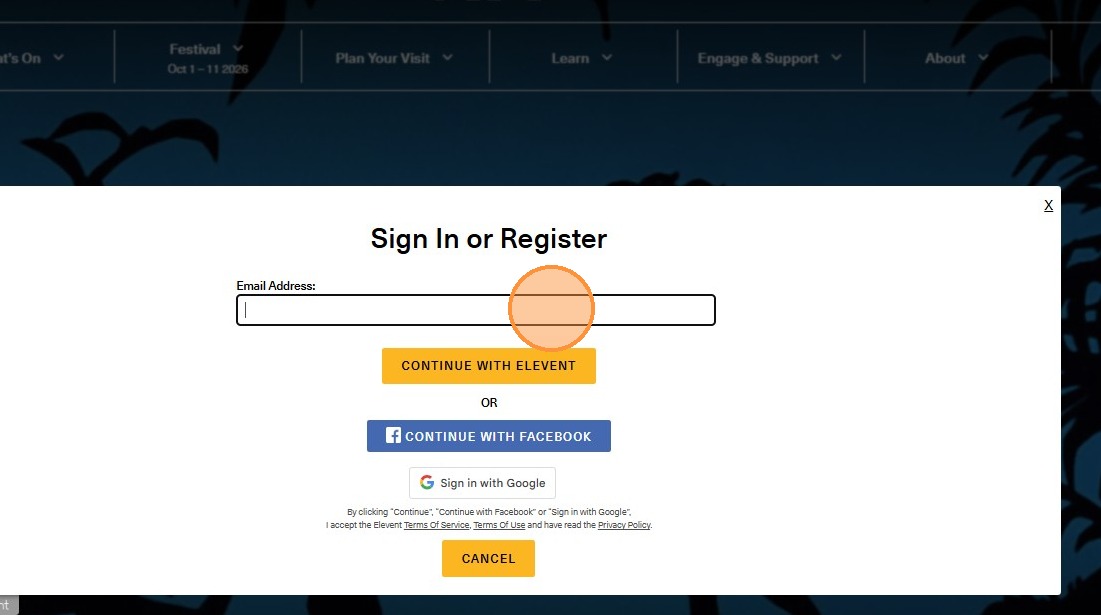
1. Click "Sign In"

2. Sign in using the email you used to claim your gift card.
3. Click "See What’s On"

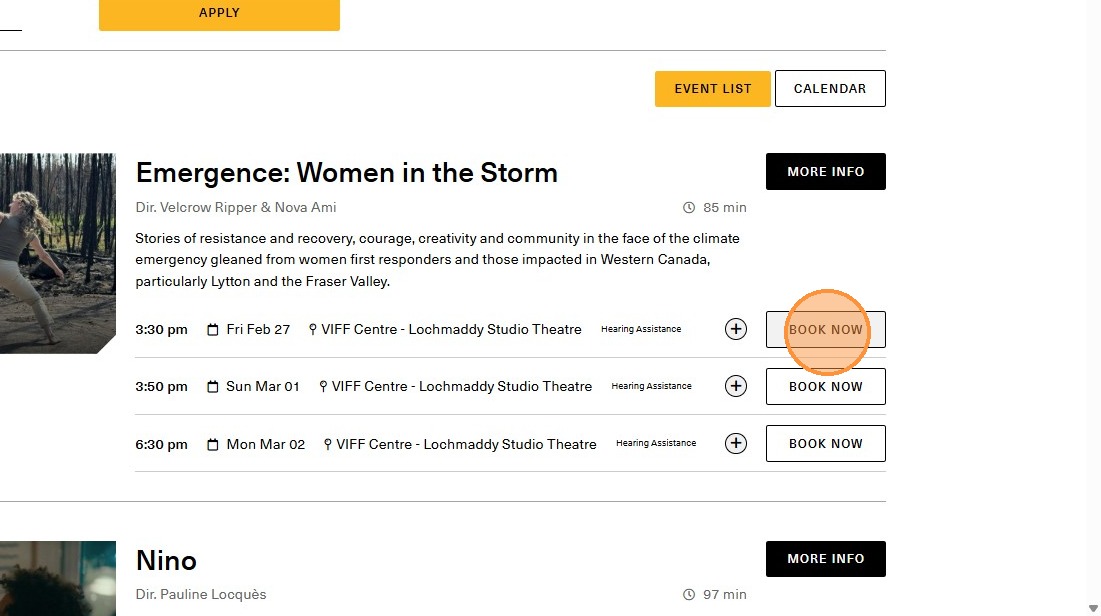
4. Select your film and click "Book Now"
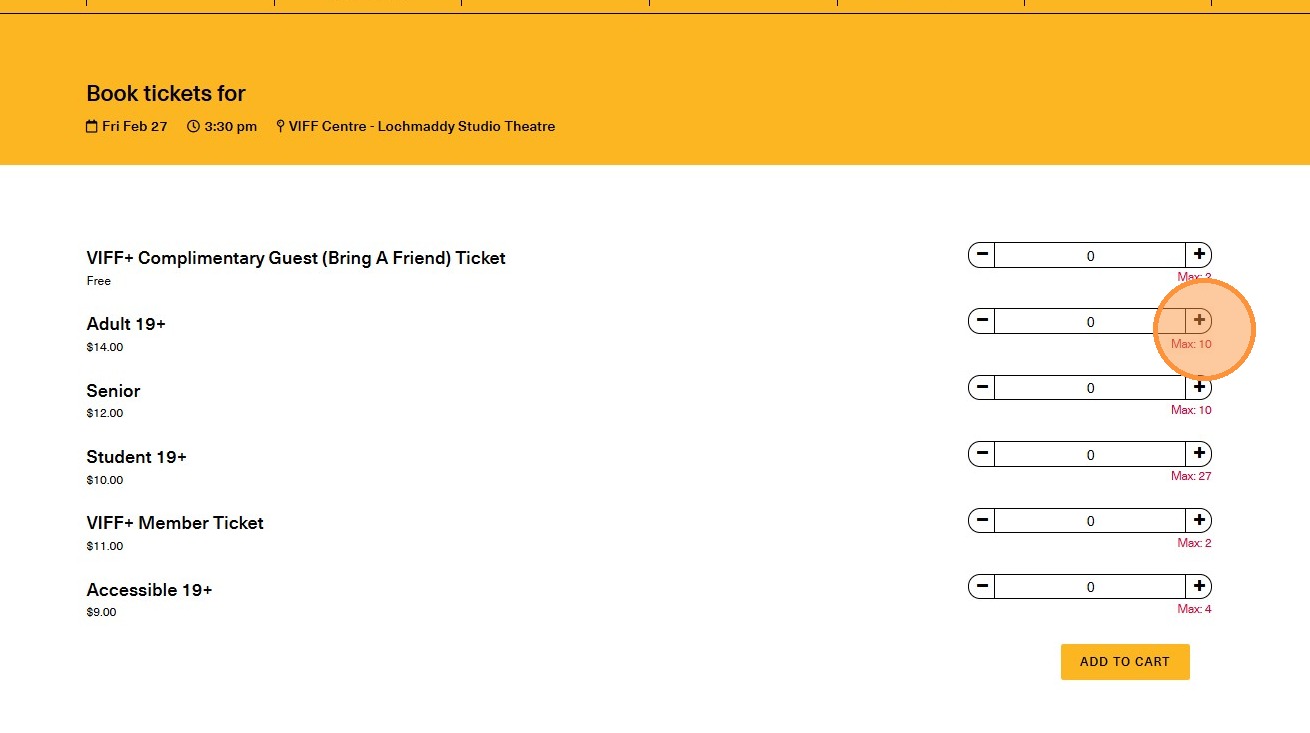
5. Choose how many tickets and ticket types you are purchasing for.
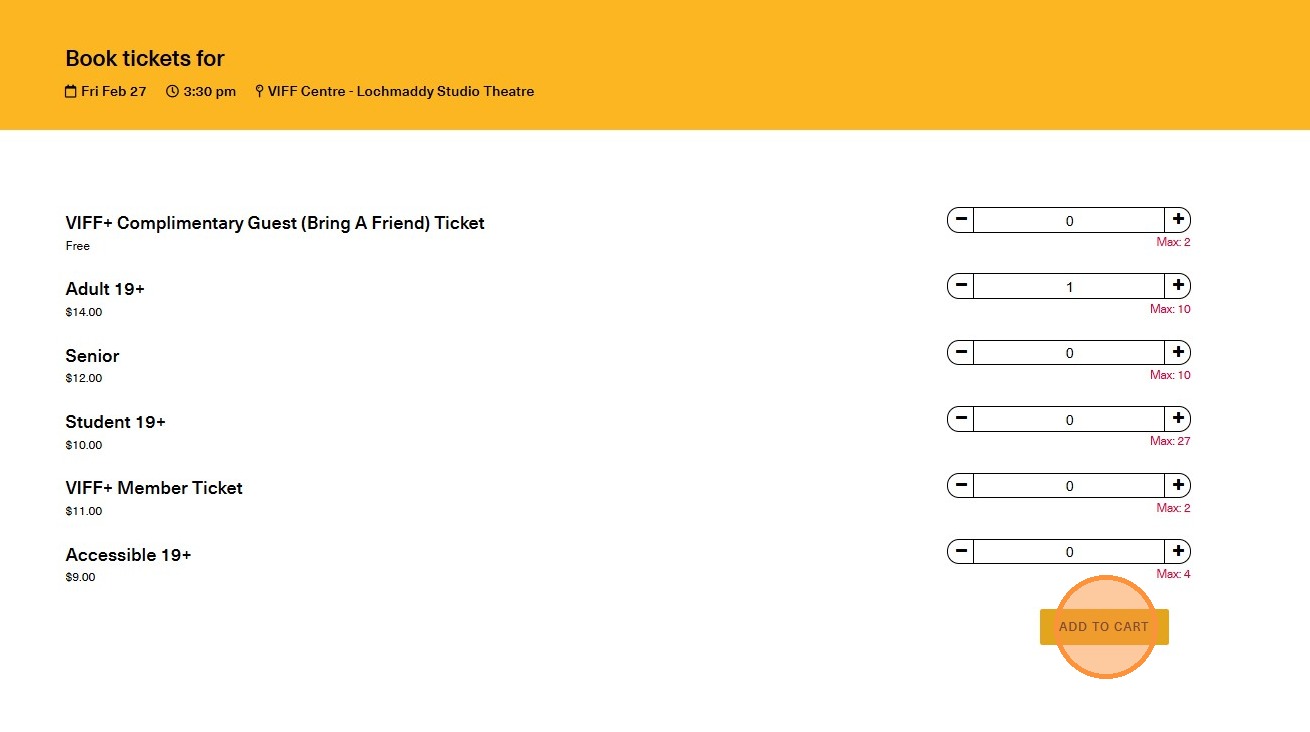
6. Click "Add to cart"
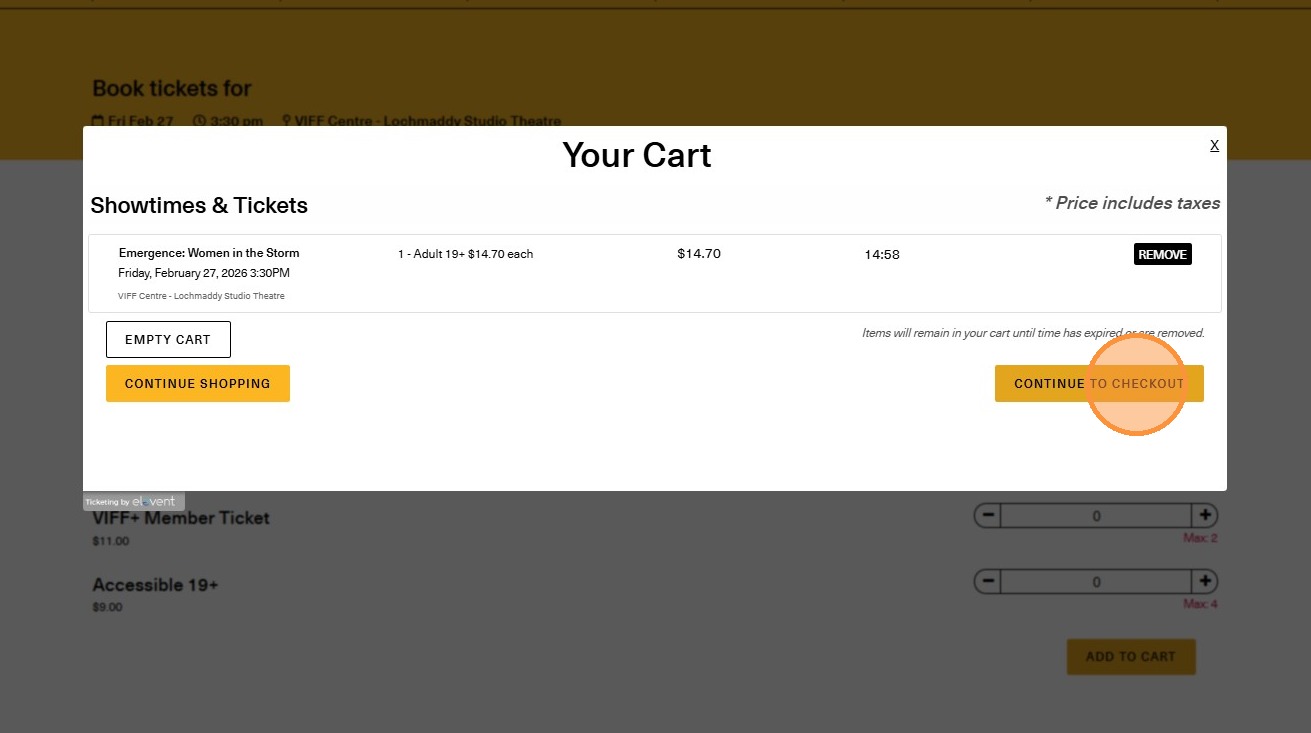
7. Click "Continue to Checkout"
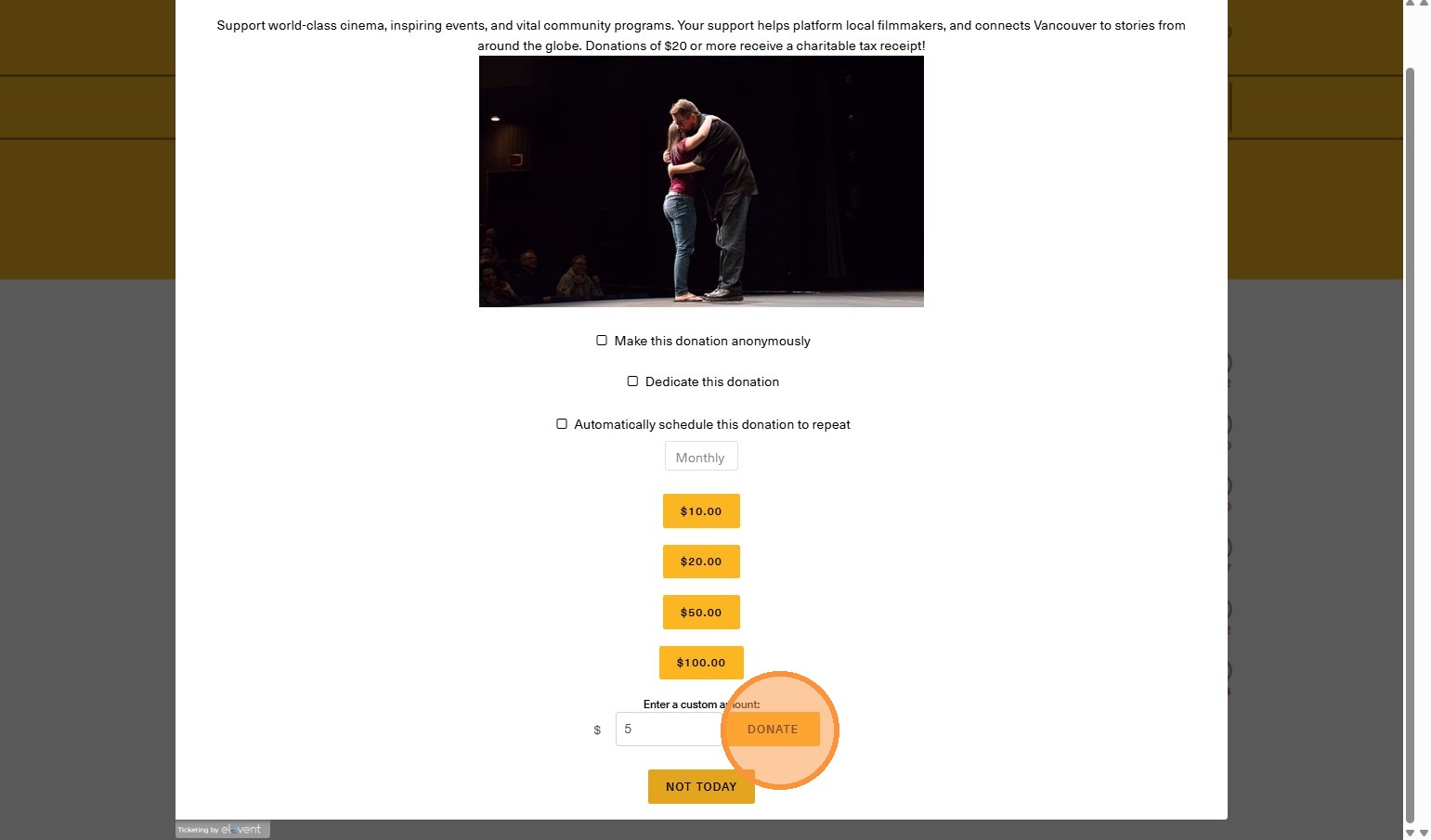
8. This part is optional! If you would like to skip to the next step, click "Not Today" at the bottom of the page.
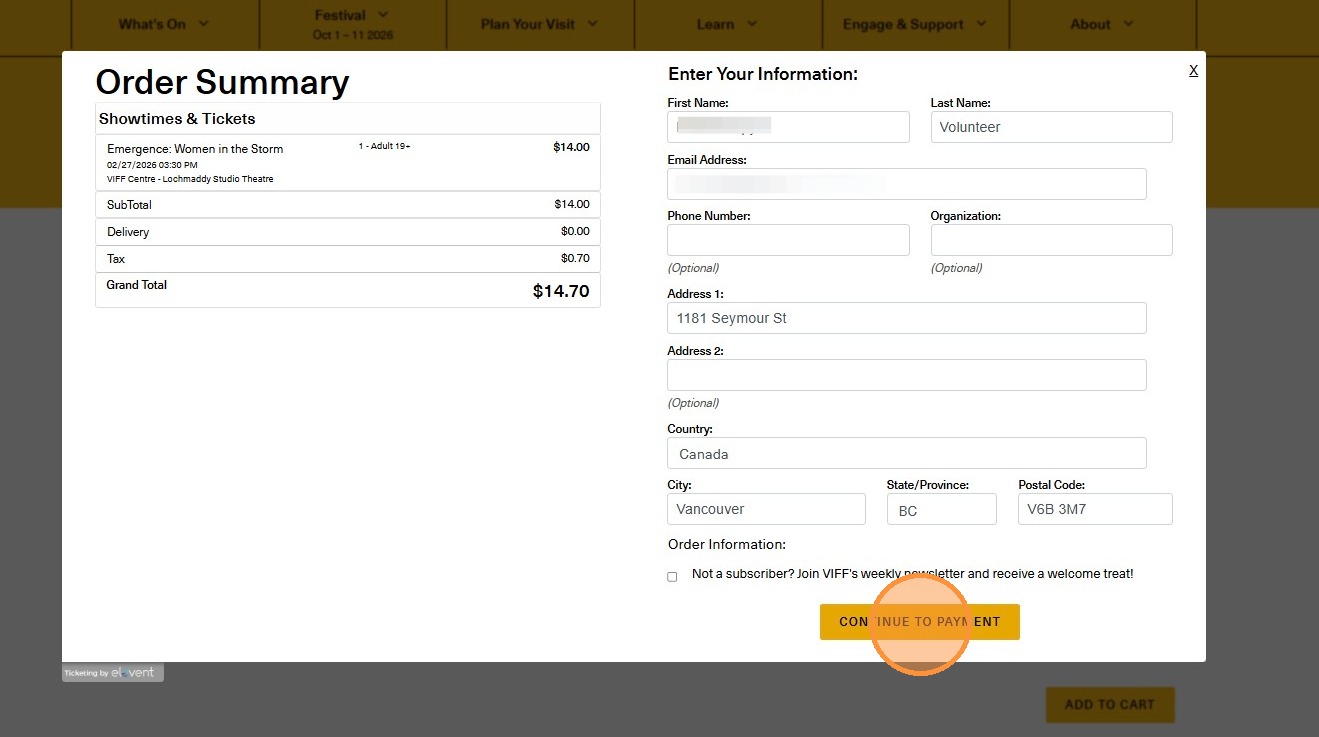
9. Fill in the necessary information and click "Continue to Payment"
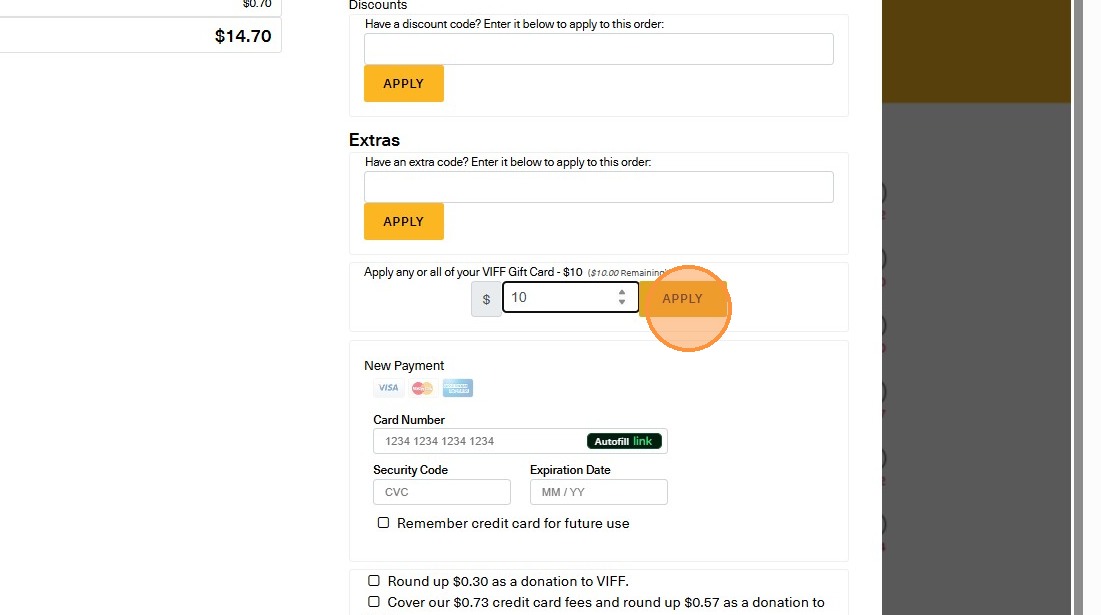
10. Once you've continued to payment, you will look under the "Extras" box and you will see a text box underneath to "Apply any or all of your VIFF Card" - you will see how much is remaining.
To use all of your gift card, enter the full amount. If you are only partially using it, enter the amount you'd like to use (e.g: if your total amount is $14.70 but you have a $30 gift card, only enter $14.70).
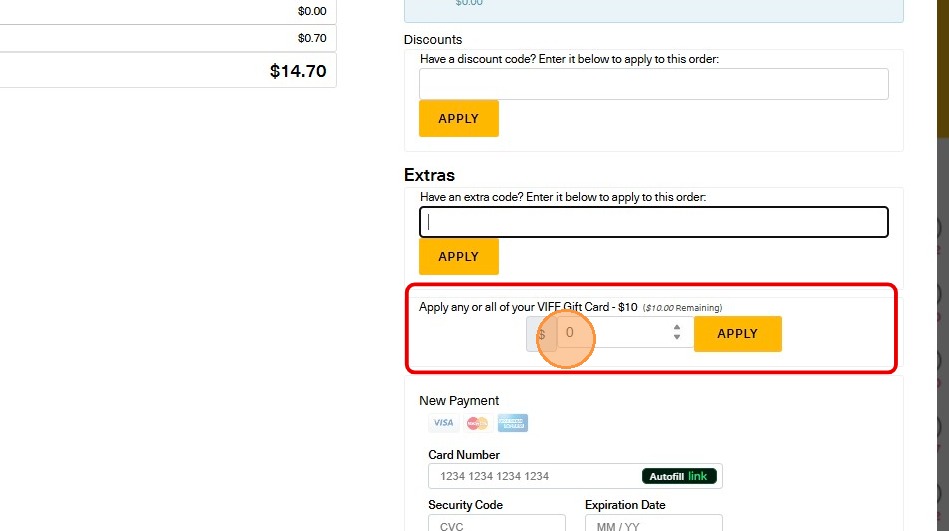
11. Click "Apply"
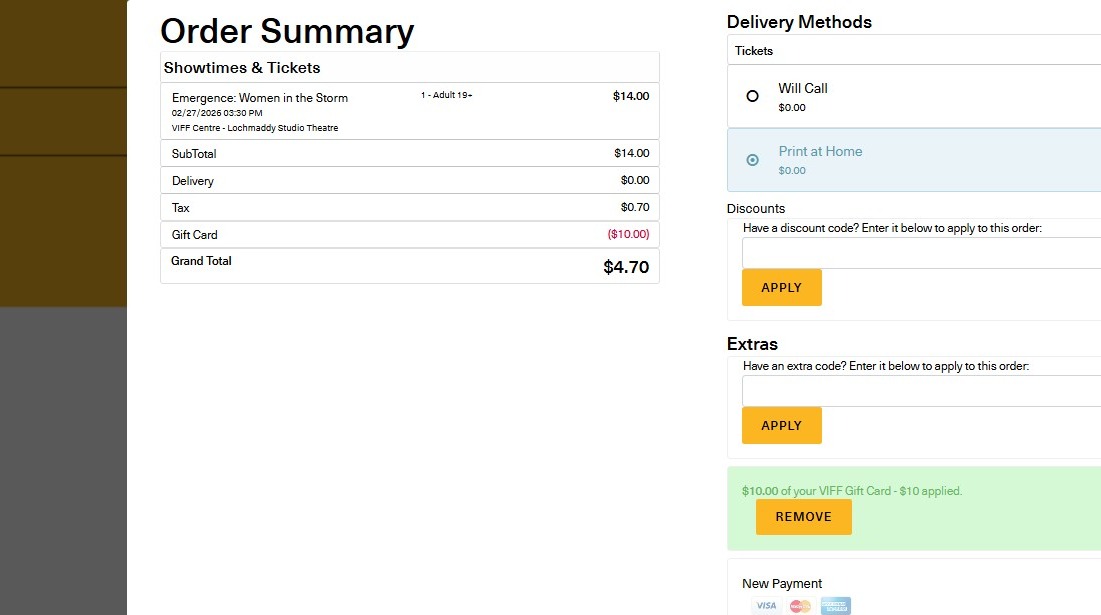
12. Once applied, you will see your remaining total on the left hand side.
If you have any amount left to pay, you will see it on the Grand Total section.
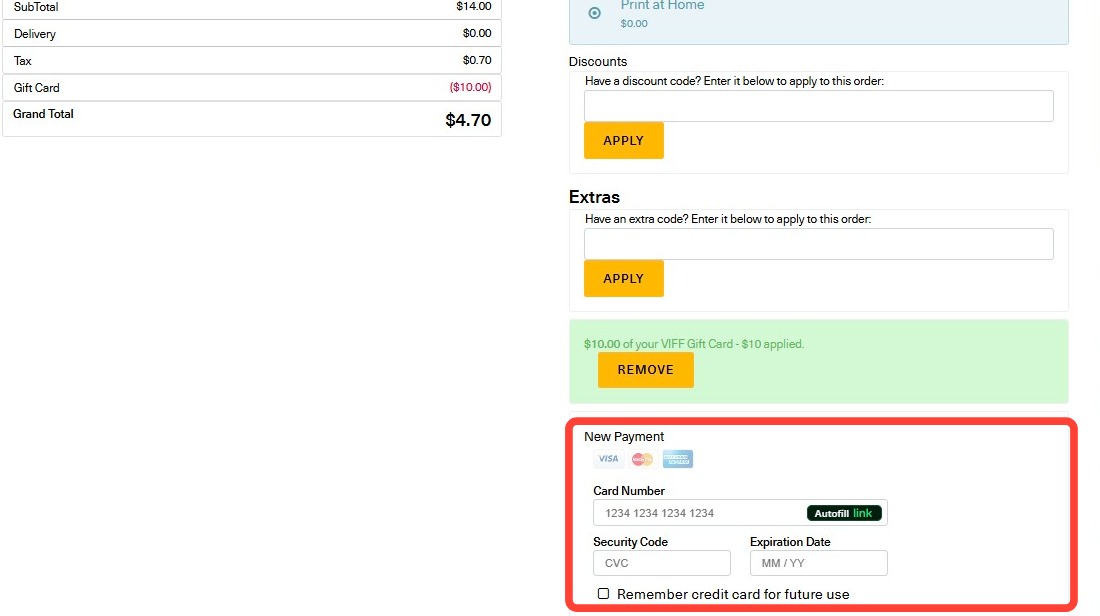
13. If you have any amount left to pay, you can still enter your credit card information.
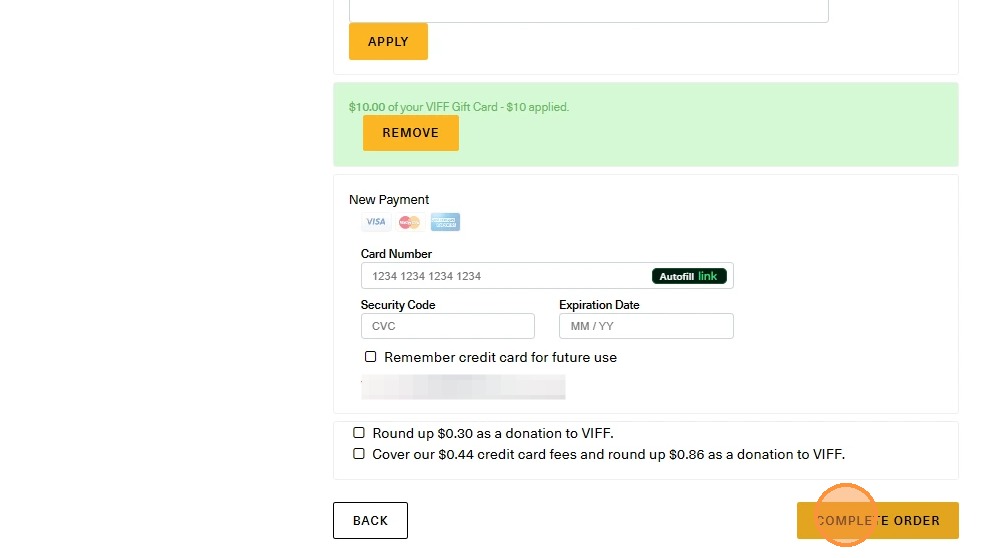
14. Click "Complete Order" and you are done!
Was this article helpful?
That’s Great!
Thank you for your feedback
Sorry! We couldn't be helpful
Thank you for your feedback
Feedback sent
We appreciate your effort and will try to fix the article