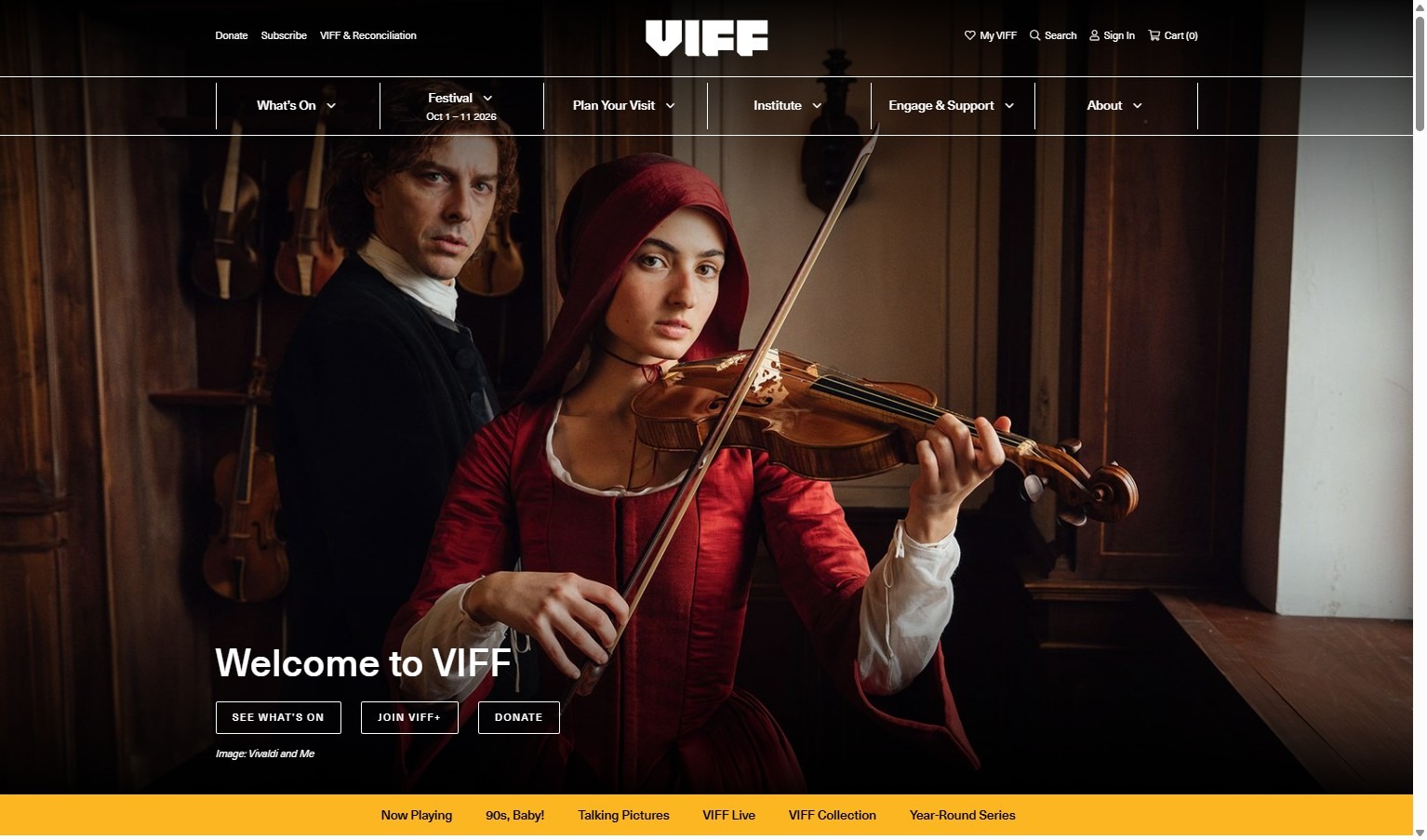
1. Navigate to https://viff.org/
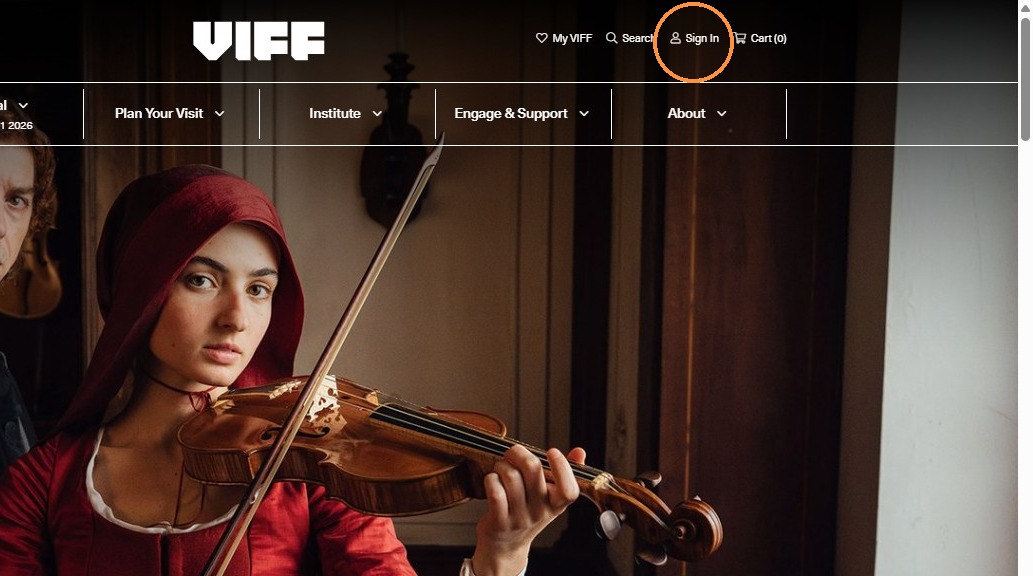
2. Click "Sign In" at the top right hand corner
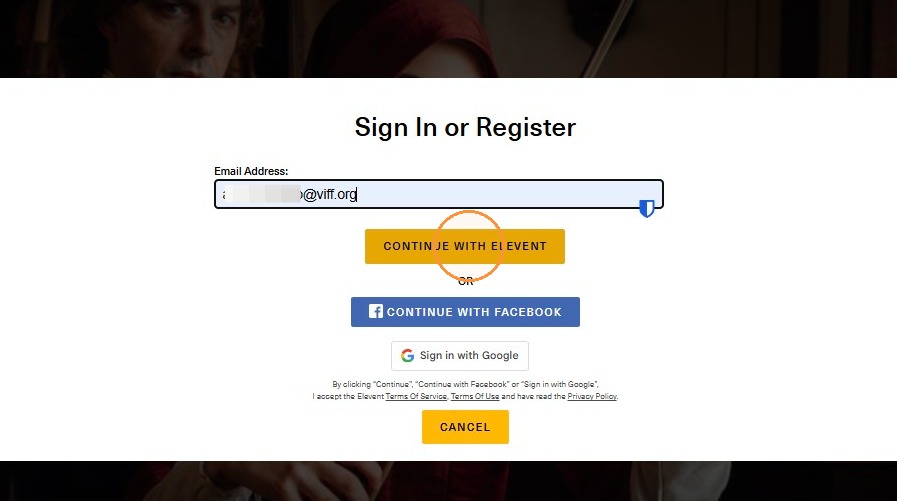
3. Sign in using the email you used to purchase your Ticket Pack.
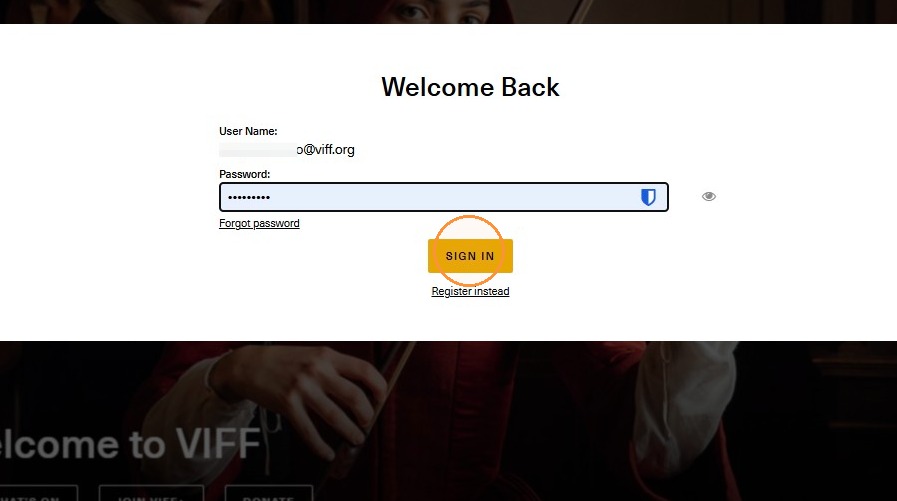
4. Click "Sign In"
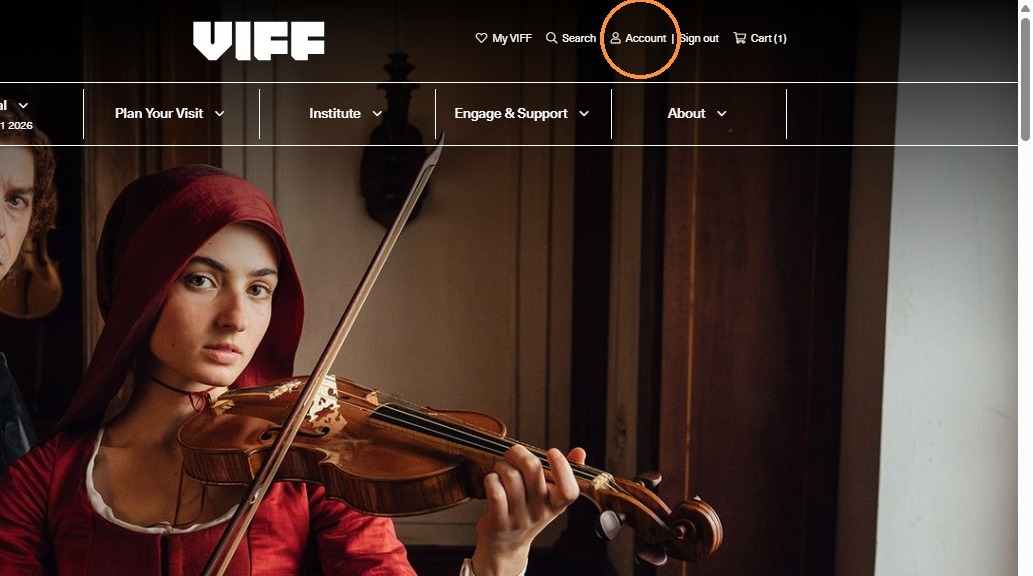
5. Click "Account"
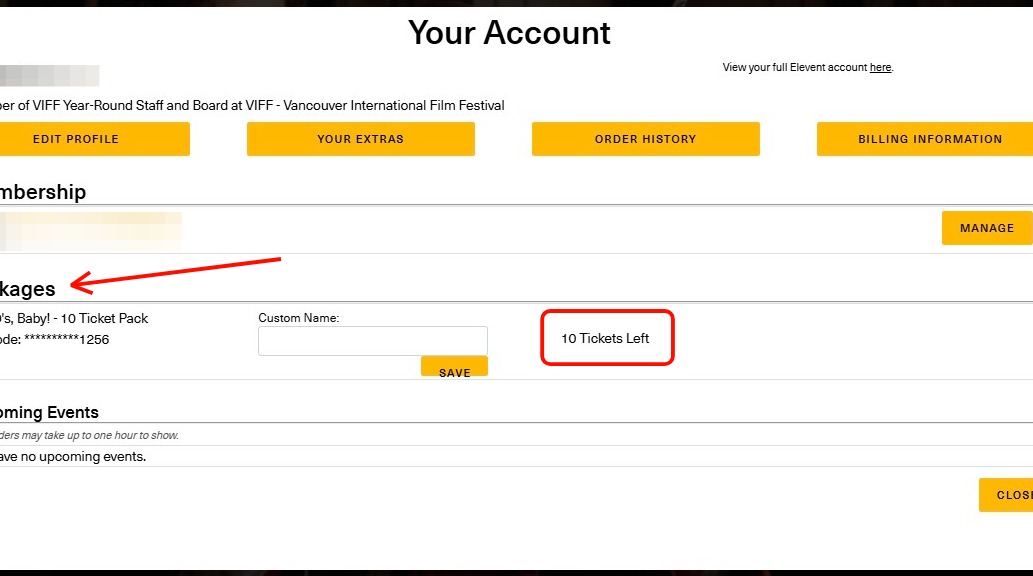
6. In your account details, you can see what packages you have available and how many tickets you have left to book!
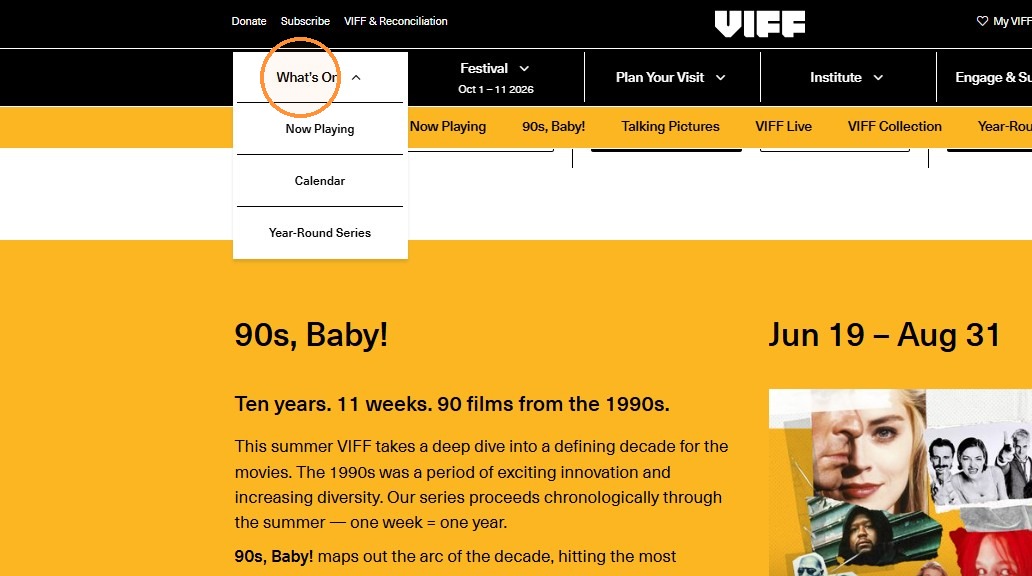
7. Navigate to the "What’s On" page to start selecting your films.
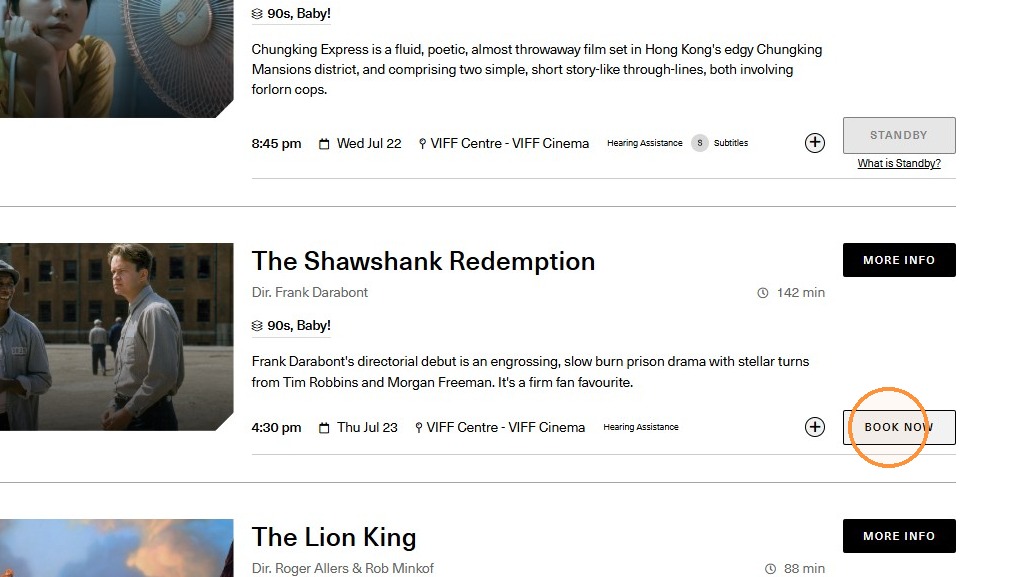
8. Navigate through our films, and select which one you'd like to book for!
(Please note, we have specific series packages throughout our Year-Round programming. Ensure you are selecting the correct films and series for your package).
9. Select the desired quantity of tickets - you will see your package tickets available in the list of ticket types.
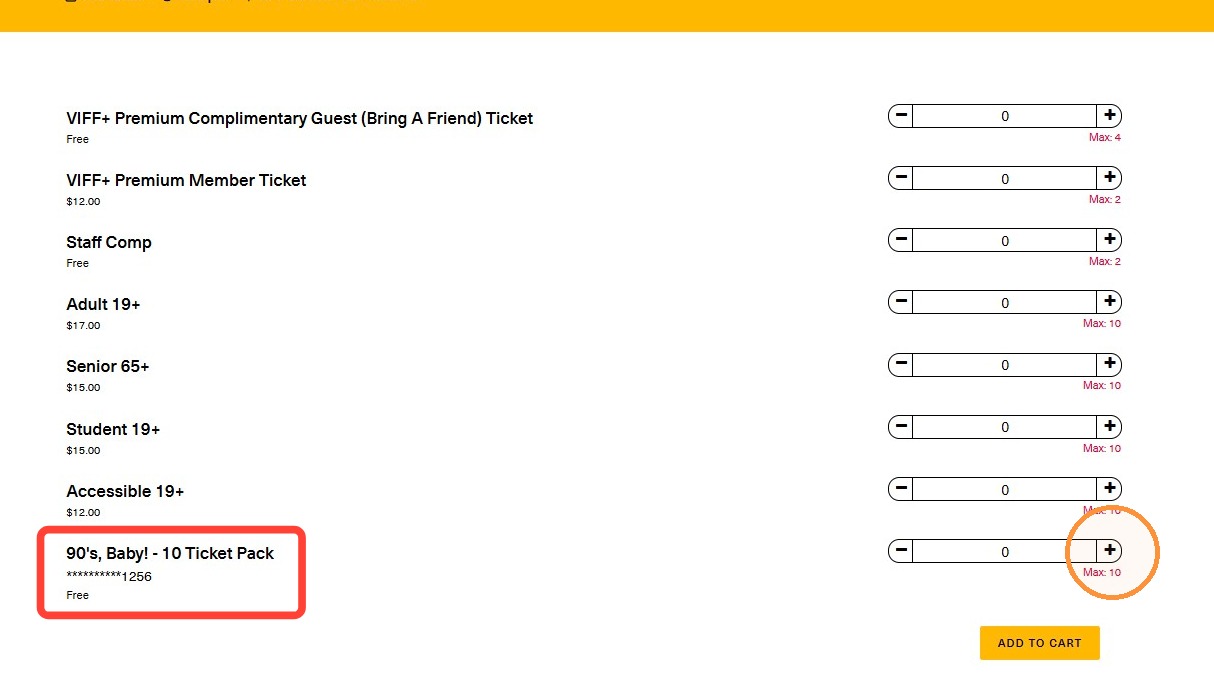
10. Click "Add to cart"
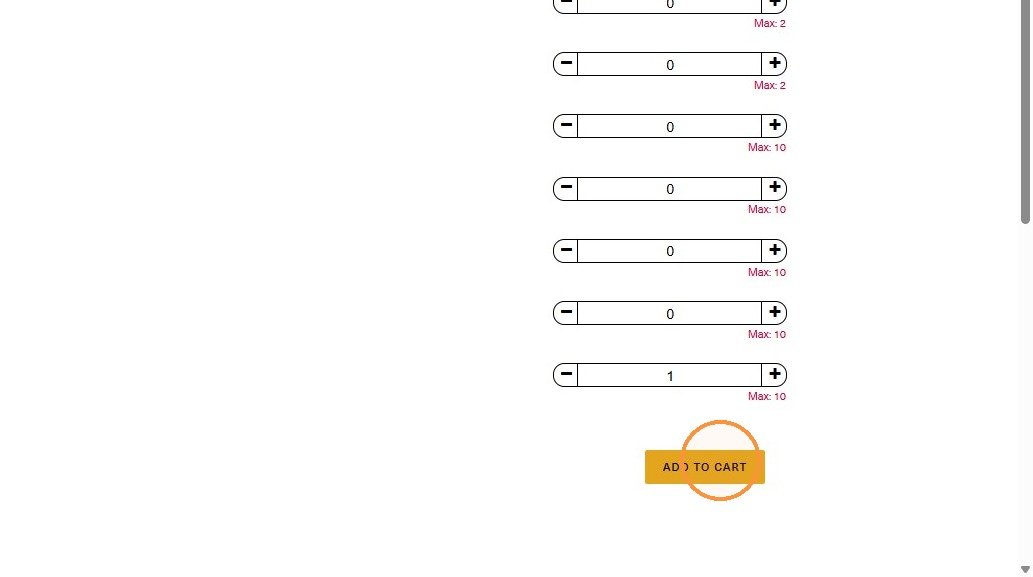
11. Click "Continue to Checkout"
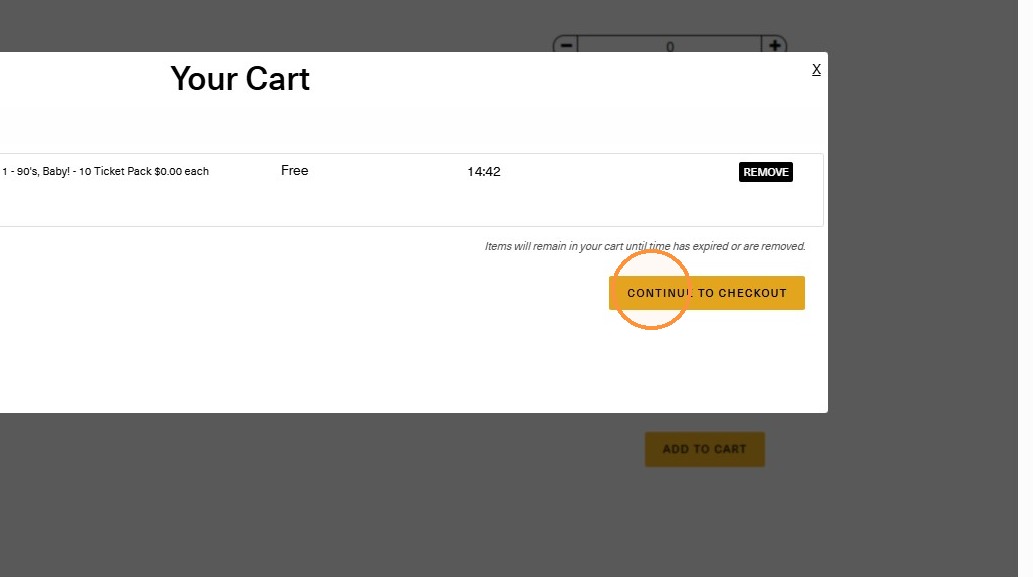
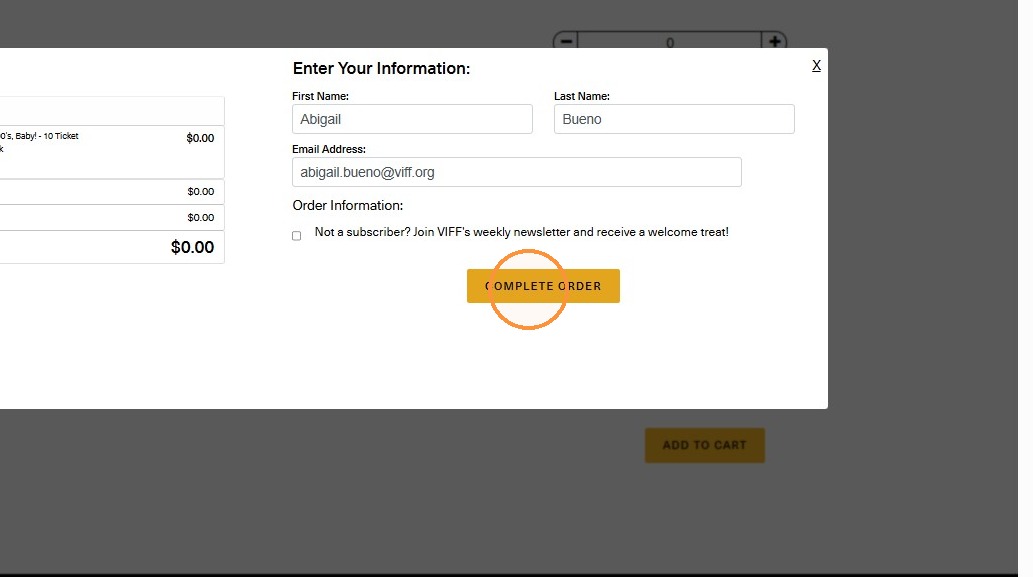
12. Click "Complete Order" - you should not be paying for any additional fees if you are only redeeming tickets in a package.
Was this article helpful?
That’s Great!
Thank you for your feedback
Sorry! We couldn't be helpful
Thank you for your feedback
Feedback sent
We appreciate your effort and will try to fix the article